
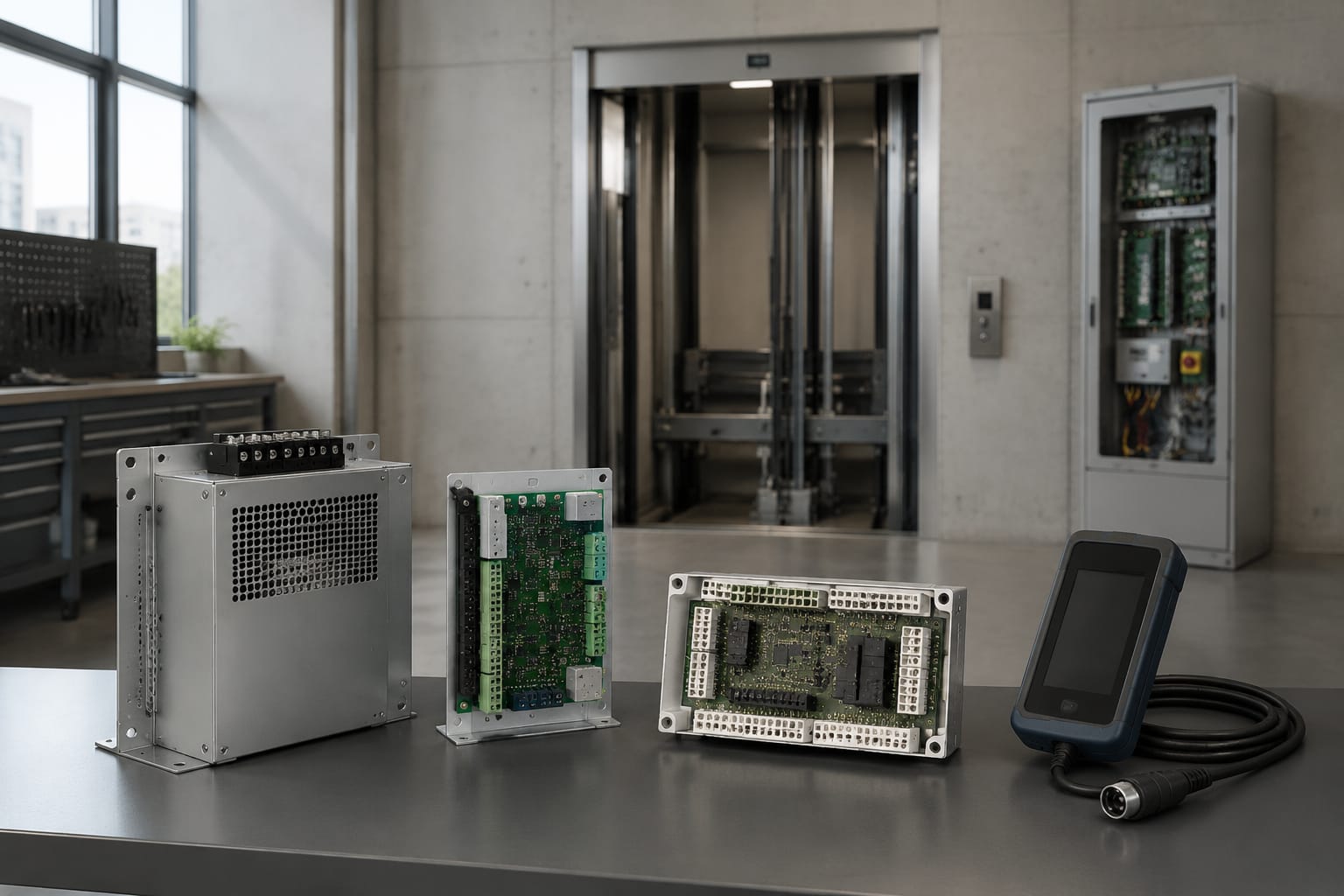
KONE spare parts should be identified by matching the exact elevator model and the original component's part number first. For electronic parts, a matching description alone is not enough: board revision, supply voltage, connector layout, firmware or communication role, and condition can all affect whether the replacement will work safely.
For maintenance contractors and sourcing teams in the Philippines, the most reliable approach is to collect complete information from the installed unit before requesting quotations. Clear documentation reduces unsuitable deliveries, site downtime, and the risk of fitting a component that appears similar but is electrically or mechanically incompatible.
Start with the KONE elevator model
Begin at the lift, not with a product photo or a generic spare-part description. Record the elevator model and unit details from the equipment identification plate, controller documentation, maintenance records, or the removed component itself.
A KONE installation may include equipment from different product generations because elevators are repaired and modernised over many years. The controller, door system, car operating panel, landing fixture, drive, and safety-related equipment may not all belong to the same original generation. This is why the elevator's general model name is a starting point, not final proof of compatibility.
Collect the following details where available:
- Elevator model or product family
- Installation or project reference number
- Controller and drive type
- Component name and function
- Existing part number, including prefixes and suffixes
- Board code, assembly code, barcode, serial number, and revision mark
- Clear photographs of labels, both sides of electronic boards, and connectors
- Number and position of plugs, terminals, mounting holes, and indicator LEDs
- Voltage, current, frequency, and electrical rating labels
- Any fault code or observed operating issue
Photographs are especially valuable where labels are faded or a supplier needs to compare connector positions. Take one wide photo showing the installed location and close-up photos of every readable label. For a removed board, photograph both sides before packing it.
Do not assume that a KONE component is correct simply because it came from a KONE-branded lift. A previous maintenance provider may have installed an alternative, a refurbished item, or a part from a different controller configuration.
Find and record the part number
The original part number is normally the strongest identifier when sourcing KONE spare parts. It may be printed on a sticker, laser-marked on a housing, listed on a circuit-board label, or shown in a controller parts list.
Record the code exactly as displayed. Small differences can represent a different revision, market version, voltage rating, connector arrangement, or supplied assembly. Preserve all letters, leading zeroes, hyphens, spaces, and suffixes in your request.
For example, these details should be recorded separately rather than combined loosely:
| Information on the component | Why it matters |
|---|---|
| Primary KONE part number | Main reference for identifying the item |
| PCB or board code | May identify the physical circuit board independently of the assembly number |
| Revision level | Indicates a design or production update that may affect replacement suitability |
| Serial or batch number | Helps trace the specific component but is not always the ordering code |
| Labelled function | Confirms whether the board is a power supply, communication, brake control, I/O board, or another module |
| Electrical rating | Helps prevent use of an incorrect supply or output version |
A label can carry several codes. The largest number is not automatically the orderable part number. Where possible, share a full label photograph rather than relying only on a typed code.
Avoid common part-number errors
Several avoidable errors lead to incorrect quotations or unsuitable replacements:
- Omitting a suffix because it looks unimportant
- Confusing a serial number with a part number
- Reading
0asO,1asI, or5asS - Quoting the controller model instead of the failed component
- Using a code found in an online image without checking the installed part
- Treating a compatible-looking board as an identical replacement
- Requesting only a “KONE PCB” or “KONE relay board” without photographs or functions
If the label cannot be read, provide high-resolution images, measurements, connector details, and the board markings. A supplier may be able to identify the item from this information, but the request should clearly state that the original part number is unavailable.
Common KONE spare-part categories
KONE spare parts cover mechanical, electrical, and electronic assemblies. Each category needs a different level of compatibility checking.
| Category | Typical examples | Main checks before sourcing |
|---|---|---|
| Controller electronics | Main boards, I/O boards, relay boards, processor boards | Part number, board revision, controller type, software or configuration requirements |
| Communication components | Shaft communication boards, network interfaces, bus modules | Communication system, connector type, address or configuration requirements |
| Power equipment | Power supply boards, network power boxes, transformers, rectifiers | Input and output ratings, terminal layout, protective components, mounting |
| Drive and motor-related parts | Drive boards, contactors, encoders, brake control modules | Drive model, motor data, feedback interface, voltage and current ratings |
| Door-system components | Door controllers, rollers, belts, sensors, motors, locks | Door operator model, mounting, travel arrangement, electrical connection |
| Car and landing devices | Push buttons, displays, indicators, card readers, speakers | Fixture series, cut-out size, wiring, communication protocol, visual requirements |
| Safety and shaft equipment | Limit switches, sensors, safety-circuit components | Exact application, electrical rating, actuator or mounting arrangement, required approvals |
| Mechanical items | Rollers, guides, belts, fasteners, brackets | Dimensions, material, mounting pattern, handedness, wear condition of mating parts |
Electronic items require the most documentation because they may look almost identical while having different hardware revisions or programmed functions. For instance, a shaft board needs to match the applicable system and connection arrangement, not merely fit in the same cabinet space. When relevant to the component being replaced, compare the existing unit against the specifications and photographs for a [KONE shaft FCB communication board](/products/shaft-fcb-communication-board-kone-elevator-parts/).
Likewise, a power module should be selected based on its exact electrical and system role. A [KONE network power box](/products/network-power-box-kone-elevator-parts-lift-accessories/) may be relevant to a specific configuration, but its presence in a catalogue does not establish that it suits every KONE controller.
Compare board revisions and connectors
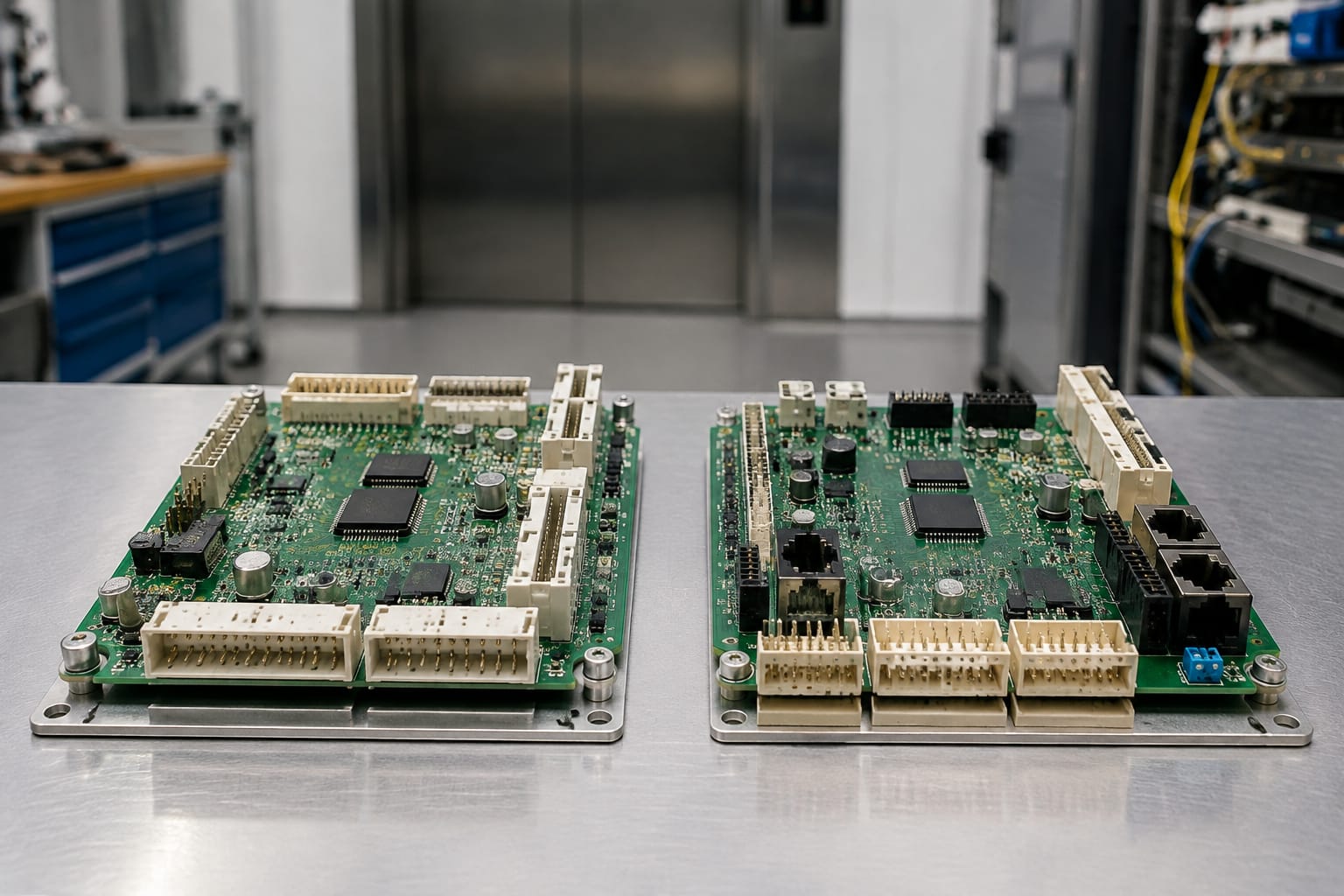
For printed circuit boards, compare more than the headline part number. A revision change can be a routine manufacturing update, but it can also affect component layout, terminal arrangement, compatibility with associated boards, or required configuration.
Before accepting a substitute or alternate revision, compare:
- Board part number and PCB code
- Revision designation, such as
Rev, version, issue, or index - Overall dimensions and mounting-hole positions
- Connector count, shape, keying, pin count, and location
- Terminal block positions and labels
- Fuse type and rating, if applicable
- Relay layout, switch settings, jumpers, and LED indicators
- Heat sinks, shielding, daughterboards, and removable memory modules
- Printed warnings and voltage markings
A front-only photo is rarely sufficient. The rear side often shows connector identification, track layout, jumper locations, or a separate barcode label. Include both sides in the sourcing file.
Exact match, later revision, or alternative?
An exact matching part number is generally the lowest-risk option, provided the condition is suitable. When that is unavailable, a later revision or alternative may be possible, but it requires a clear compatibility basis.
| Option | Potential advantage | Risk to manage |
|---|---|---|
| Exact part-number match | Simplest identification and replacement path | Still confirm condition, configuration, and included accessories |
| Approved later revision | May address a known product update or availability issue | May require supporting changes, settings, or software |
| Earlier revision | Can be useful for legacy repairs | May lack compatibility with the rest of the controller |
| Functionally similar board | May share a broad description or form factor | High risk without verified cross-reference and electrical comparison |
| Repaired original board | Retains the installed version | Repair quality, fault cause, and test evidence need careful review |
Do not force a plug into a connector that is not correctly keyed or positioned. Connector damage can create a more costly failure and may compromise safety circuits. Where a revision substitute is proposed, ask the supplier to state the basis for the proposed compatibility and any parts, configuration work, or documentation required.
Check voltage and communication compatibility
Electrical compatibility must be verified before installation. A mechanically matching part can still fail immediately, damage connected equipment, or cause intermittent faults if it has different supply requirements, outputs, or communication behaviour.
Check the following against the original component and the applicable controller documentation:
- AC or DC input supply
- Nominal voltage and permitted range
- Frequency for AC-powered equipment
- Output voltage, current, and polarity
- Fuse specifications and protective-device requirements
- Grounding and shielding requirements
- Connector pin assignments
- Signal type, such as digital input, analogue signal, encoder feedback, or relay output
- Communication bus or network type
- Device addressing, node settings, jumper settings, or dip-switch positions
- Configuration, parameter loading, or commissioning requirements
Communication boards deserve particular caution. A board can share a connector style with another system but use a different protocol, addressing scheme, or power arrangement. Never use connector appearance as proof of communication compatibility.
For brake-related electrical equipment, confirm the brake circuit function, supply characteristics, controller interface, and connected brake hardware. A [KONE brake control module and power supply box](/products/brake-control-module-power-supply-box-kone-elevator-parts-lift-accessories/) should only be evaluated against the exact installed application and its documented ratings.
Safety-related limitations
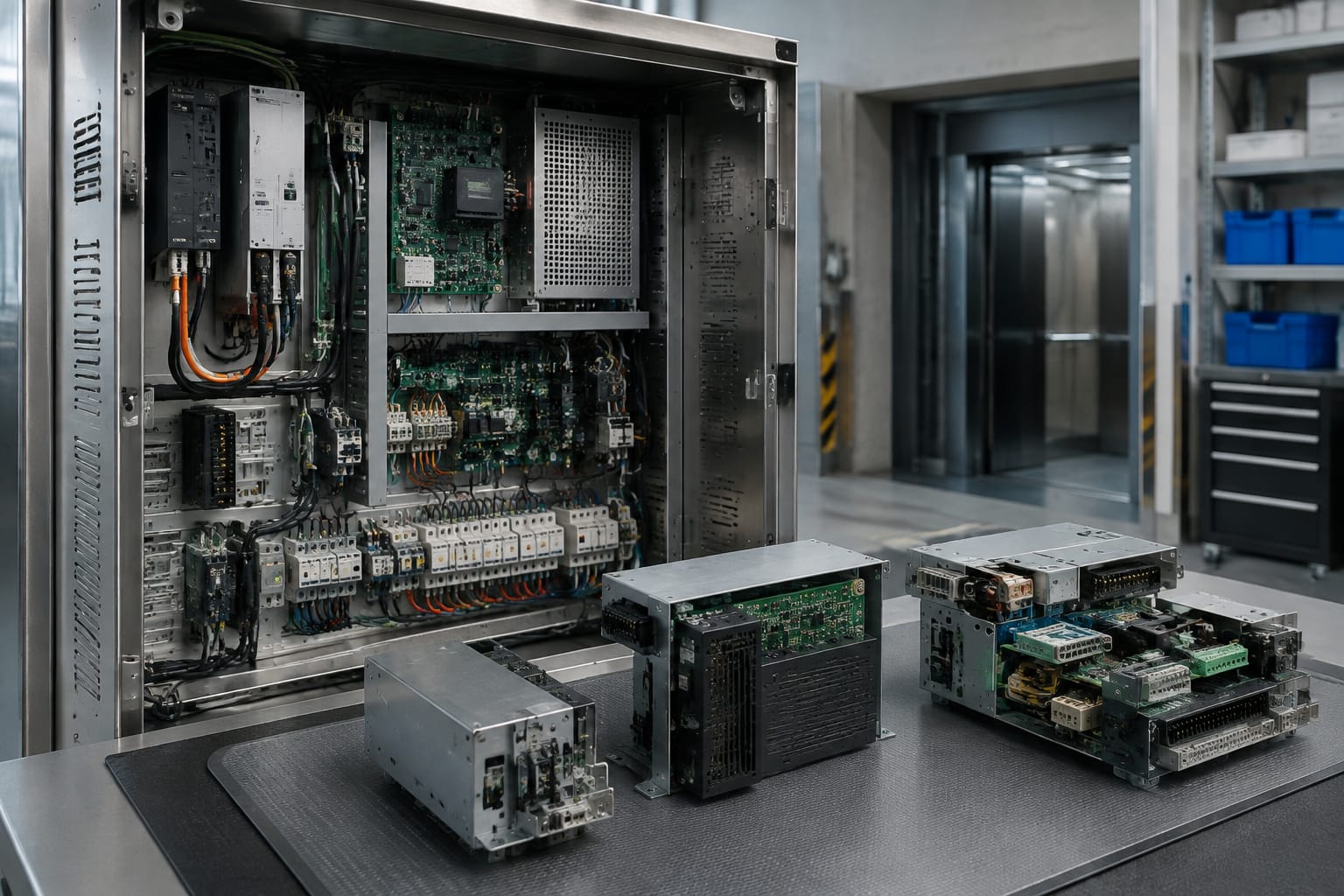
Some elevator components affect braking, door locking, overspeed protection, levelling, or other safety functions. These must be handled by qualified personnel following the applicable equipment documentation and site safety procedures.
A replacement part is not automatically suitable for a safety-related application merely because it has the same physical dimensions or broad product description. Confirm the required identification, ratings, installation method, settings, and testing procedure before returning the lift to service. Where the fault source is uncertain, diagnose the wider circuit rather than replacing parts by trial and error.
Verify condition and test information
A correct part number does not establish the condition of a spare part. Ask whether the item is new, surplus, refurbished, repaired, or used, then evaluate whether that condition fits the repair's risk and operational requirements.
Request available documentation on:
- Item condition and cosmetic state
- Whether the product is complete or missing covers, plugs, hardware, or accessories
- Visual inspection findings
- Functional test information, where applicable
- Repair scope for refurbished or repaired items
- Replaced components or known defects, if disclosed
- Clear photographs of the actual item
- Packing method for electronic components
- Return, inspection, or commercial terms offered by the supplier
Test information should be specific enough to be useful. A general statement that a board was “tested” is less informative than an explanation of what was checked, such as power-up behaviour, output verification, communication response, or inspection for physical damage. The meaningful test depends on the component type.
There are limits to bench testing. A board may pass a basic power-on check but still require correct site configuration, connected devices, load conditions, or controller operation before its full performance can be confirmed. Treat test information as one part of the evaluation, alongside exact identification and installation checks.
For used or refurbished electronics, inspect photos for corrosion, burned areas, cracked housings, damaged terminals, missing heat sinks, altered tracks, non-standard repairs, and broken connector latches. These do not always prove a part is unusable, but they should be discussed before purchase.
Package sensitive KONE components safely
Sensitive KONE electronic components need suitable handling from removal through delivery. Damage from electrostatic discharge, moisture, bent pins, loose packing, or impact can create faults that are difficult to identify later.
Use these practical packing steps:
- Photograph the component and its labels before packing.
- Disconnect and remove it using appropriate isolation and ESD precautions.
- Place circuit boards in properly sized anti-static packaging. Do not wrap boards directly in ordinary plastic film or loose bubble wrap.
- Protect connectors, terminals, and protruding components from pressure and bending.
- Use firm cushioning so the item cannot move inside the box.
- Separate heavy metal items from circuit boards and displays.
- Seal the package against dust and moisture where transport conditions warrant it.
- Mark fragile electronic equipment appropriately and retain the shipment reference.
For modules with removable connectors, do not assume the connectors are included. List each plug, terminal block, cable, mounting bracket, cover, and fastener separately in the request. A board supplied without a transferable connector or required harness may delay installation even when the board itself is correct.
When returning a faulty core or sending a sample for identification, label it with the project reference, lift location identifier used by your team, removed date, and reported fault. Avoid attaching labels over critical part-number stickers.
KONE sourcing request checklist
A complete sourcing request gives suppliers enough information to identify the correct KONE spare part and allows your team to compare replies properly. Use this checklist before sending an enquiry.
Essential identification
- [ ] Elevator model or product family
- [ ] Controller and drive model, where relevant
- [ ] Exact original part number
- [ ] Board code and revision level
- [ ] Component function and installed location
- [ ] Photos of all labels, front, rear, connectors, and mounting points
- [ ] Quantity required
Compatibility information
- [ ] Input and output voltage details
- [ ] Current, frequency, polarity, and fuse information where relevant
- [ ] Connector type, pin count, keying, and terminal labels
- [ ] Communication or interface details
- [ ] Jumper, switch, address, or configuration details
- [ ] Related board or controller part numbers
- [ ] Whether the item is safety-related or affects lift operation
Commercial and condition questions
- [ ] Required condition: new, surplus, refurbished, repaired, or used
- [ ] Actual-item photographs requested
- [ ] Available inspection or functional-test information requested
- [ ] Included parts and accessories confirmed
- [ ] Packing method for electronics confirmed
- [ ] Proposed substitution or revision cross-reference explained
- [ ] Documentation needed for your internal receiving and installation process
A short, well-documented request is usually more effective than a long description without codes or images. It allows you to compare not only price, but also identification quality, condition, included items, and compatibility confidence.
Kelevator supplies multi-brand elevator spare parts for B2B importers, distributors, maintenance contractors, modernisation teams, and OEM buyers. When requesting KONE spare parts, send the checklist information with clear component photos so the proposed item can be assessed against the installed equipment before procurement.